// how it works, in plain terms
How EXIT CODE blocks the trade before you place it.
Five sections, answered directly: what it is, how it works, the mechanism in action, the eight gates, and what happens the moment you subscribe.
1. What is EXIT CODE?
A pre-trade gate that runs on your own cTrader or MetaTrader 5 account. It checks every trade against your own rules, before you place it, and returns one word: CLEARED or BLOCK.
Traders who already know how to trade and have a written plan. You've lost a funded account or challenge to a rules violation, not a bad strategy.
Not signals. Not someone else's trades. Not a strategy shortcut. It never trades on its own, and it makes no promises about profit.
2. How it actually works
Connect your account.
A quick link connects your own cTrader or MetaTrader 5 account, whether that's FTMO, Fusion or any other supported broker. On cTrader, a login box opens, you approve it, it closes. On MetaTrader 5, you attach the small Expert Advisor to your terminal once and pair it with a code from your account page. EXIT CODE never sees your password and never holds your money. Nothing is placed unless you click: on a CLEARED verdict, one click sends your order to your own account with your stop attached. Check your firm's rules on third-party tools and Expert Advisors; they are yours to comply with.
Set your rules once, while you're calm.
Daily loss limit, max size, setup criteria: your firm's exact preset, checked against the firm's own dashboard. You write the rules on a good day, and the gates hold you to them on the bad one.
CLEARED places it. BLOCK means it doesn't exist.
Every trade runs through the eight gates. Clear them and one click sends the order to your account with your stop already attached. Fail one and EXIT CODE won't place the order. No warning to click past, no override. You wait out a lockout with a timer on it. BLOCK is a verdict inside EXIT CODE, not a lock on your broker: you can always place a trade directly in your own platform. It's a friction layer, on purpose.
// watch it
CLEARED and BLOCK, on a real trade.
Fifty seconds, sound on. A rule-breaking trade gets caught before it exists. A rule-following one gets sent to a real broker in one click.
3. See the mechanism
Most trading products are sold on a personality and a P&L screenshot, and both are easy to fake. Here's our free cTrader plugin, running live, showing a real account's distance to breach, the same math the full workstation runs on every trade:
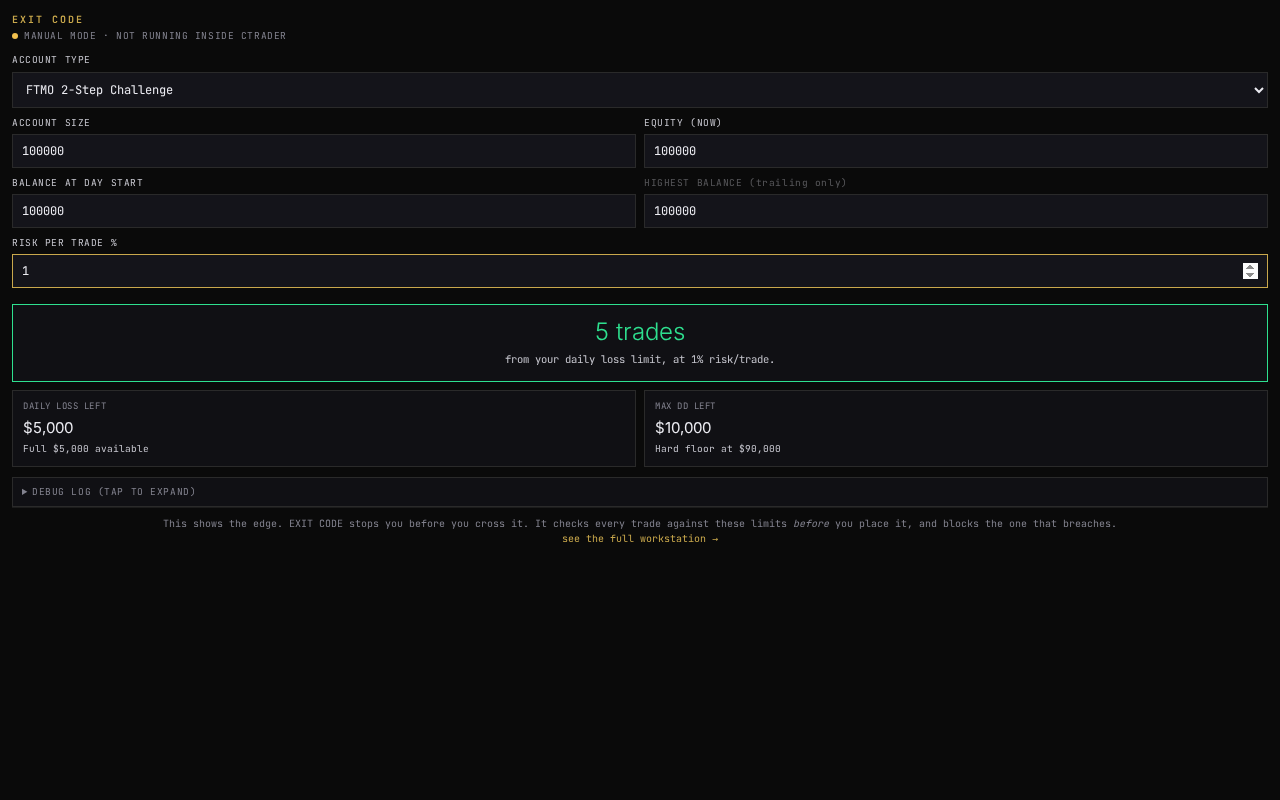
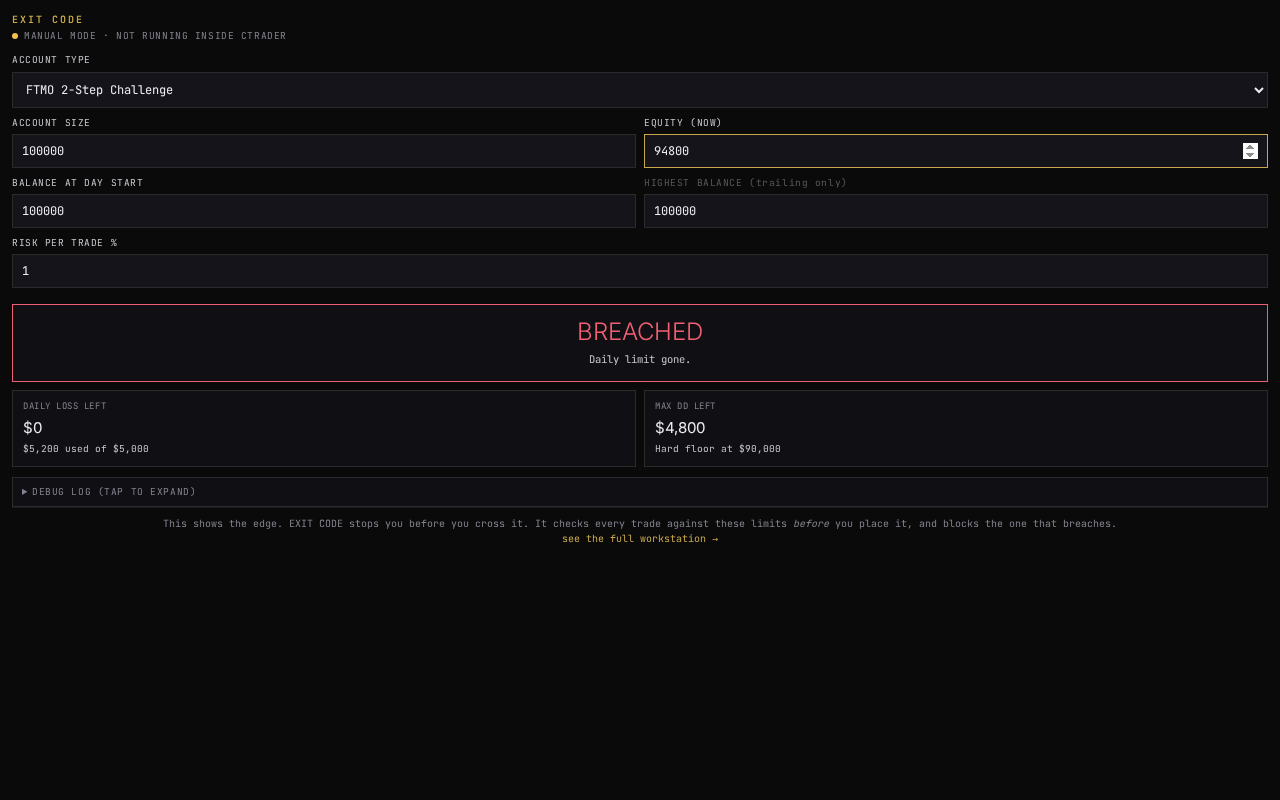
This is our free cTrader plugin (read-only, no account access beyond your own equity figures). The paid workstation runs the same distance-to-breach math live against your actual trade tickets, across all eight gates, and can stop a trade before it's placed rather than just report on it after.
4. The eight gates, compact
All eight gates are free on the Starter plan, on the numbers you enter. No card.
5. What happens after you subscribe
A welcome email arrives with your workstation access link. From there: connect your cTrader or MetaTrader 5 account, pick your firm and account size so the eight gates auto-configure to that firm's exact rules, take the 45-second Baseline check before your first chart, and open a Trade Ticket before you go to your broker. On cTrader, every close is logged automatically from your broker's own fills (MetaTrader 5 is next). The full 11-lesson course walking through every gate is included from day one.